Total Visits
Estimated monthly visits in the provider snapshot, not a measured visitor count from the site's private analytics.
Use this free website traffic checker to estimate a public site's visits, engagement, sources, regions, and keywords with third-party Similarweb data. No account required; not the site's private analytics.
WHAT IS WEBSITE TRAFFIC
A website's measured traffic lives in its first-party analytics. This site traffic checker instead displays third-party Similarweb estimates for public competitive research. Depending on coverage, the result can include estimated monthly visits, engagement, traffic sources, regions, keywords, and a snapshot date. Use the values directionally and compare like-for-like periods.
Estimated monthly visits in the provider snapshot, not a measured visitor count from the site's private analytics.
Provider-estimated share of visits ending after one page. Interpret it by page type and compare like-for-like periods; lower is not universally better.
The provider's estimated worldwide rank for the snapshot period. Lower numbers generally correspond to more estimated traffic in that dataset.
The provider's estimated mix of search, social, direct, referral, and paid visits when those fields are available.
High traffic doesn't always mean high Domain Rating or Domain Authority. Traffic shows audience reach. DR measures backlink strength. DA predicts relative ranking likelihood in Moz's model. Keep the different providers and limitations visible when comparing them.
HOW TO USE
Enter one public domain to check website traffic with the latest Similarweb estimate available to this checker. Review the snapshot date, visits, engagement, sources, regions, trend, and keywords that the provider returns. Missing fields stay unavailable rather than becoming measured zeros.
Enter a public domain, such as moz.com. The checker requests the latest available third-party Similarweb estimate; it does not read the site's private analytics.
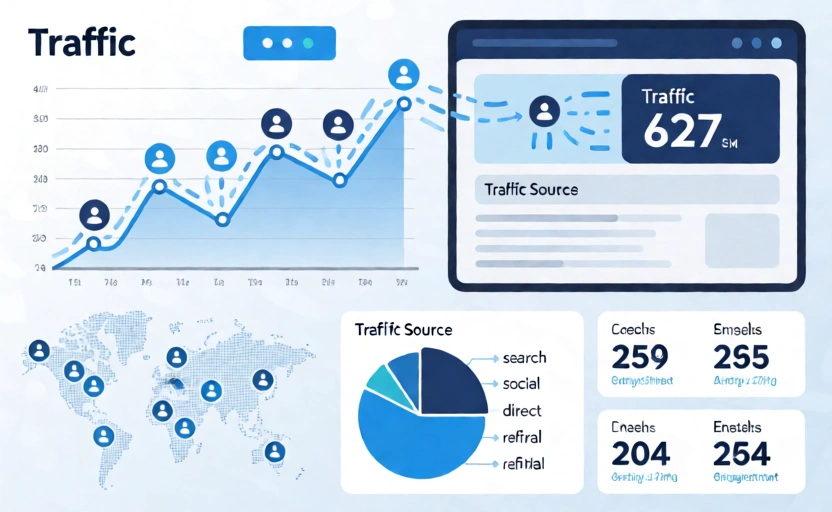
The traffic checker displays the website's total visits, bounce rate, pages per visit, and average session duration. Check traffic metrics at a glance to understand how engaged the site's visitors are and how sticky the content is.
The traffic checker shows where visitors come from: search, social, direct, referrals, and paid. Use this traffic source breakdown to understand the site's marketing channels and which channels drive the most visitors.
WHY CHECK
A third-party traffic estimate can support rough competitor, niche, or partnership research. Validate your own site with authorized first-party analytics, and do not treat an estimate as measured visits or proof of content quality.
Compare provider estimates for competitors over the same period to form a rough reach hypothesis. Validate important decisions with additional evidence.
Use the estimate as one partnership clue, then request first-party evidence, audience fit, placement details, and campaign history before spending money.
Measure your own site with authorized first-party analytics such as GA4. Third-party estimates cannot attribute a change to a content update or campaign.
Use the estimated channel mix to form questions about search, social, direct, referral, and paid acquisition. Missing or balanced estimates do not prove business health.
Enter one public domain to request a limited Similarweb estimate without an account or credit card. Coverage can be unavailable, particularly for small or new sites, and the result is not private analytics.
FAQs
Related Website Metrics
Compare several third-party website metrics while keeping each provider, scope, and limitation separate:
Use the free DR checker for a current observation, compare domains in Bulk, or display the latest Stored DR from your Domain Listing with an optional badge.